Google's AI Mode in Search can now use Drive and Wallet for personalized answers
Google's Personal Intelligence in AI Mode now reaches into Drive, Wallet and the Gemini app, on top of Gmail, Calendar and Photos. Connections are optional, Wallet access is read-only, and a "Personalization" icon to show the context used is coming.
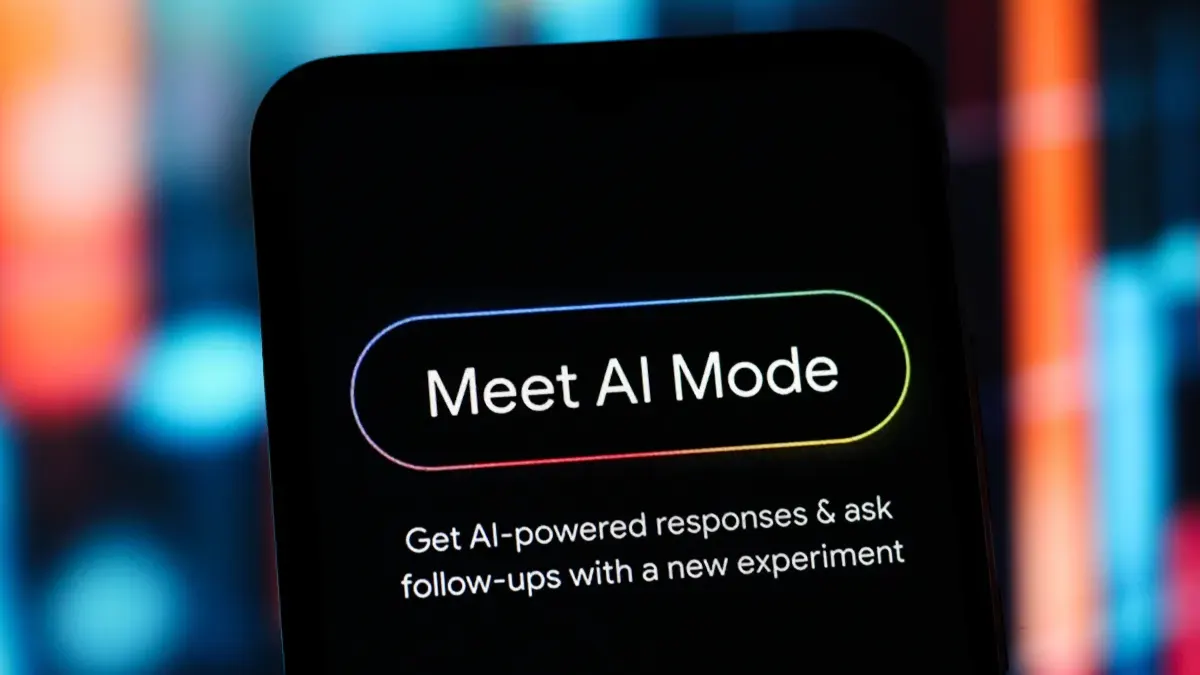
Google announced on Monday that Personal Intelligence in Search's AI Mode now connects to Google Drive, Google Wallet and the Gemini app. Gmail, Google Calendar and Google Photos were already supported. The idea is simple: answers get more personal when the model can read the stuff you already keep in Google's apps.
Wallet: read-only, thankfully
Wallet is the one that'll make people twitch. Google says connecting it lets users track financial goals, cut everyday spending and make better use of credit card rewards. The guardrail is that AI Mode can only read information from accounts. It can't move or manage money. For anyone who's ever designed an agent with tool access, that's the right default: read scopes first, write scopes only when you've earned them.
Drive and the folder problem
Drive is the more practical one. Google's pitch is that the facts behind a project or a big decision are usually scattered across documents and spreadsheets. With Drive connected, AI Mode can pull from those files, and the example given is a tailored plan for tax season. Anyone who has built retrieval over messy shared folders knows the hard part isn't the model. It's the folder. Google gets to skip the indexing-and-permissions slog because the data already lives in its own house.
One context across two apps
The Gemini app link matters more than it looks. Context is now shared between the Gemini app and AI Mode, so an idea you explored in one doesn't need to be re-explained in the other, and the reverse holds too. If you've ever bolted a memory layer onto two separate assistants and watched them disagree, you'll appreciate a vendor just handing you one shared state.
Showing the work
Control and visibility are where this gets interesting for builders. Connecting apps is optional, and Personal Intelligence can be turned on or off at any time. Google also says a new "Personalization" icon will soon appear below responses so users can see the context AI Mode used. Showing your inputs next to the output is a pattern worth copying in your own products. It makes debugging easier and it makes users less suspicious.
Separately, Google said users will start seeing more personally relevant responses in AI Overviews and AI Mode, tailored to recent search context. The announcement doesn't say anything about developer access, an API or rollout details, so there's nothing to integrate against today. This is a consumer feature, not a platform release.
What to take from it
So what would you do with it? Treat it as a reference design. Optional connectors, read-only access for sensitive data, a kill switch and a visible context panel are all choices you can make in your own assistants without waiting on Google. If your product competes with a search giant that already holds the user's mail, calendar, photos and files, assume it's going to win on convenience. Your edge is the data and workflows Google can't see.
We like the read-only Wallet scope and the planned context icon, and we'd build both patterns into client assistants. The shared context between Gemini and AI Mode is convenient, but it also concentrates a lot of personal data in one place. Watch how clear the opt-in is and whether there's ever a developer-facing version.
- 01Personal Intelligence in AI Mode now connects to Google Drive, Google Wallet and the Gemini app.
- 02Wallet access is read-only; AI Mode can't move or manage money.
- 03Connections are optional and can be switched off at any time.
- 04A "Personalization" icon showing the context AI Mode used is coming soon.
Search and assistant products are racing to use the personal data users already store in one ecosystem, which raises the bar for any competing assistant. Businesses building their own AI tools can copy the permission and transparency choices Google is making here.
+Talk about your use caseSummary written by Neuvilabs from public reporting. Facts belong to the original sources linked above.
 AppsThe Brief
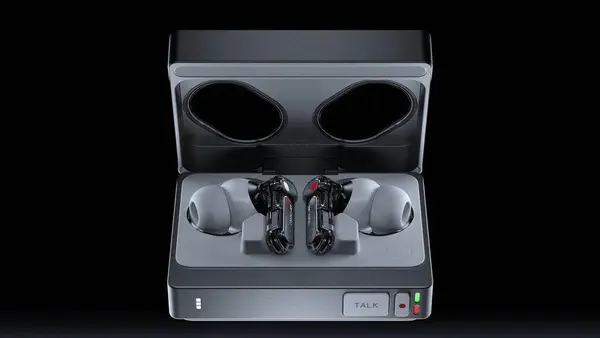
Nothing details Ear Note AI earbuds that record and summarize calls
Nothing has detailed its Ear Note earbuds, which launch December 8th. The charging case records, transcribes and summarizes conversations, and the buds record calls.
 AppsBuilder's Notes
Anthropic lets Claude Artifacts be installed as standalone desktop apps
Anthropic has opened a beta that turns Claude Artifacts into installable macOS and Windows apps. Those apps can use OS APIs, connectors and Claude itself.
 AppsBuilder's Notes
OpenAI merges ChatGPT Chat and Work with a single usage meter
OpenAI is rolling out a combined Chat and Work experience in ChatGPT to a few Pro users, with one shared usage meter. Some subscribers worry the merge will cut their access to advanced models.